Skip to content
Smart Lead Tech
Home
Services
Our work
Saudi Arabia
About us
Blog
Contact us
🇸🇦العربيةContact now
Smart Lead Tech

Smart software solutions

Follow us

Company

  • About us
  • Our work
  • Our services
  • Saudi Arabia
  • Restaurant POS
  • Contact us
  • Book a call

Quick links

  • Blogs
  • Pricing
  • Refund policy
  • Privacy policy
  • Terms and conditions
  • Data deletion

Contact us

  • Egypt — Head Office

    Office 6, Bldg 23, Makkah Al-Mukarramah St., Omraneya, Giza 3540203, Egypt
  • Saudi Arabia — Branch

    Bldg 2646, Secondary 123, Street 7697, Ishbiliyah Dist., Jubail 35416, Kingdom of Saudi Arabia
  • Email address

    help@smartleadtech.com
  • Phone number 🇪🇬

    +20 102 201 4671
  • Phone number 🇸🇦

    +966 53 044 7112

© 2026 Smart Lead Tech. All rights reserved.

  • Smart Lead Tech Information Technology LLC·Commercial Register ⁦61239⁩·Tax ID ⁦774-391-316⁩

  • Smart Lead Tech Software Establishment·CR ⁦7054902585⁩·VAT

Cursor or Claude Code? Not a contest — two tools for two different minds

Clients and new engineers ask us the same question: “which one is better?”. The honest answer after a year of using both daily on projects like Umbrella and the TtaKkaa POS suite: the question is wrong. The two tools do …

08/20/2026 — 7 min read

Two screens: the Cursor editor on the left, a Claude Code terminal on the right

Clients and new engineers ask us the same question: “which one is better?”. The honest answer after a year of using both daily on projects like Umbrella and the TtaKkaa POS suite: the question is wrong. The two tools do not compete for the same chair; one sits next to you, the other works in the next room.

Cursor: when you are the one driving

Cursor is an editor, and that is not a passing remark. When you are inside a file you know, and want a smart completion, a refactor of a function, or an explanation of an obscure part of legacy code — you want the tool in front of your eyes, on the same line, at the same rhythm. Restructuring the tables screen of TtaKkaa Cashier in Flutter was “visual” work: see, tweak, run, repeat. That is Cursor at home.

Claude Code: when you want to delegate a whole task

Claude Code does not sit in the editor; it sits in the terminal and behaves as an agent. You give it a goal and boundaries and it goes: reads dozens of files, runs the tests, edits, re-runs, and returns with a report. When we had to migrate the Umbrella store from huge PNGs to WebP, rewriting every call site and regenerating the srcsets, that was not line-by-line work. It was a task to delegate. The agent finished what would have taken two days in fifty minutes, with a PR ready for review.

The decision table on our wall

  • I know the file and I know what I want: Cursor.
  • I know the goal but not every file: Claude Code.
  • A change touching more than ten files: Claude Code first, Cursor for the finishing touches.
  • Learning a new library while writing: Cursor, because learning happens by seeing.
  • Repetitive boring work (translations, tests, formatting): Claude Code, no hesitation.

The trap we fell into

Using an autonomous agent for a tiny edit is like hiring a truck to deliver a letter.

At first we delegated everything to the agent, even colour changes. The result: waiting, cost, and a sense of lost control. The opposite trap is real too: trying to migrate a whole database through editor completions exhausts you and makes mistakes. The new skill is not “writing the prompt”; it is matching the tool to the size of the task.

What about the team?

More important than tools: agreement. Ours is simple — every agent-written PR carries a clear label, and every rules file (.cursor/rules or CLAUDE.md) is reviewed like code. Both tools share nearly the same file, so do not write the rules twice.
Share

Projects related to this article

  • POS SystemsFlutter

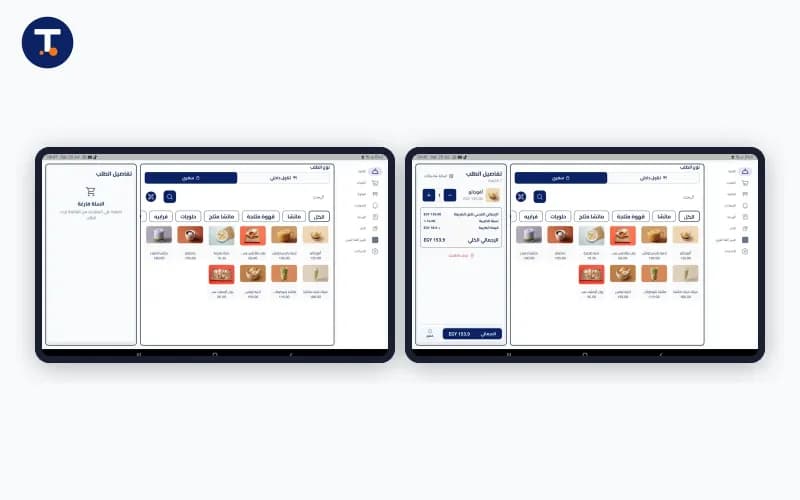
    TtaKkaa Cashier — Restaurant POS Suite

    End-to-end POS for restaurants & cafés: tables, kitchen, inventory, live reports.

    Show more
    TtaKkaa Cashier POS application screen
  • POS SystemsFlutter

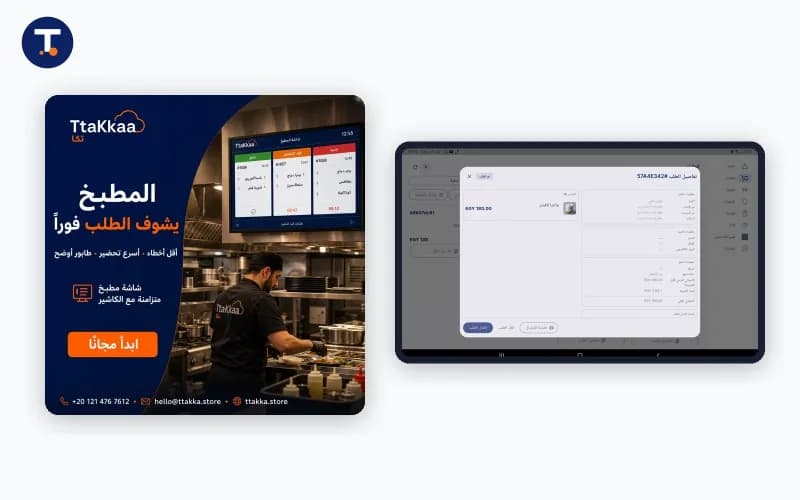
    TtaKkaa Kitchen — Restaurant Kitchen Display Suite

    A professional Kitchen Display System (KDS) for real-time order flow: display, prep and dispatch — synchronised over WebSockets.

    Show more
    TtaKkaa Kitchen System — chef-facing order display
  • Real EstateLaravel

    Real Estates Matcher — AI-Powered Property Matching

    A smart real-estate platform that matches demand and supply using AI and data analytics.

    Show more
    Real Estates Matcher — smart demand-supply matching

Related Blogs

  • A terminal running Claude Code next to a GitHub code review

    A full day with Claude Code: how the engineer’s day changed at its roots

    This is not an article about “the future of programming”. It is the diary of a real team, in a real company, during an ordinary working week. Since Claude Code became a core tool for us, the question is no longer “does A…

    09/01/2026 — 8 min read

  • Smart Lead Tech team building tailored digital solutions

    Smart Lead Tech: your technical partner from idea to successful product

    Do you have an idea you wish to see transformed into a successful digital reality? Smart Lead Tech is here to make that happen with excellence. We are not just developers — we are technical partners who blend creative de…

    04/22/2025 — 7 min read

  • Three devices — a cashier terminal, a kitchen display and a customer phone — running one Flutter codebase

    One codebase from the cashier to a salon marketplace: 10 lessons from two years of Flutter

    The TtaKkaa ecosystem alone is four apps: cashier, kitchen display, customer app and store dashboard. Add Beauty Map and Home Beauty for beauty services, and Meshareeb for beverage delivery in Kuwait. All Flutter. Here a…

    02/24/2026 — 8 min read